Exit a named event and return to operations mode
What you'll do
Leave the named event you're currently in and return to daily operations. Do this when you're done working on a specific event and want to return to routine day-to-day work, or when you need to switch to a different event.
Before you start
- You are currently in a named event (the top bar shows the event name, not Daily Operations)
Steps
You can exit a named event in three ways:
Click the home icon in the left navigation: Takes you straight to the Daily Operations dashboard. The fastest option.
Click Home in the breadcrumb: Same destination as the home icon. Useful when your cursor is already near the top of the page.
Click Events in the breadcrumb: Takes you to the event list instead of the organization landing page. Use this when you want to pick a different event to enter next.
COBRA shows a confirmation dialog unless you've previously checked Don't show me this again:
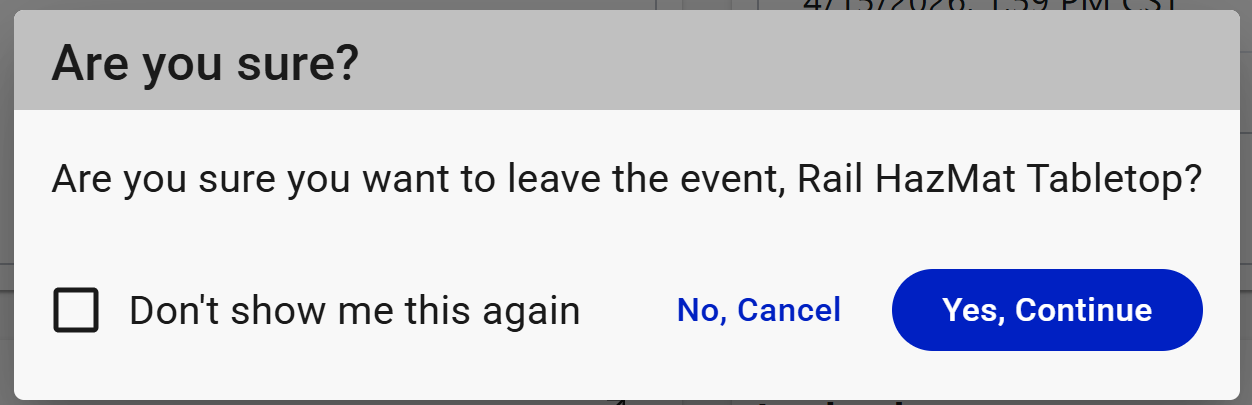
- Click Yes, Continue to leave the event.
- Click No, Cancel to stay.
- Check Don't show me this again to skip this prompt next time.
Result
The top bar changes from the event name to Daily Operations (gray). The event status banner disappears. All tool panels now show data from the default event, your day-to-day operational record. You're still fully working in COBRA, just not scoped to a specific named event.
Tips
- Exiting an event does not close or end the event. The event stays active and other users can continue working in it. To actually end an event, see End or archive an event.
- If you need to switch directly from one named event to another, you don't need to exit first. Entering a new event automatically exits the current one.